Best Gear for Competitive FPS Gaming (2026)
In competitive FPS, every millisecond matters. These are the mouse, monitor, headset, and keyboard picks that the best players use — and why each one gives you a measurable edge.
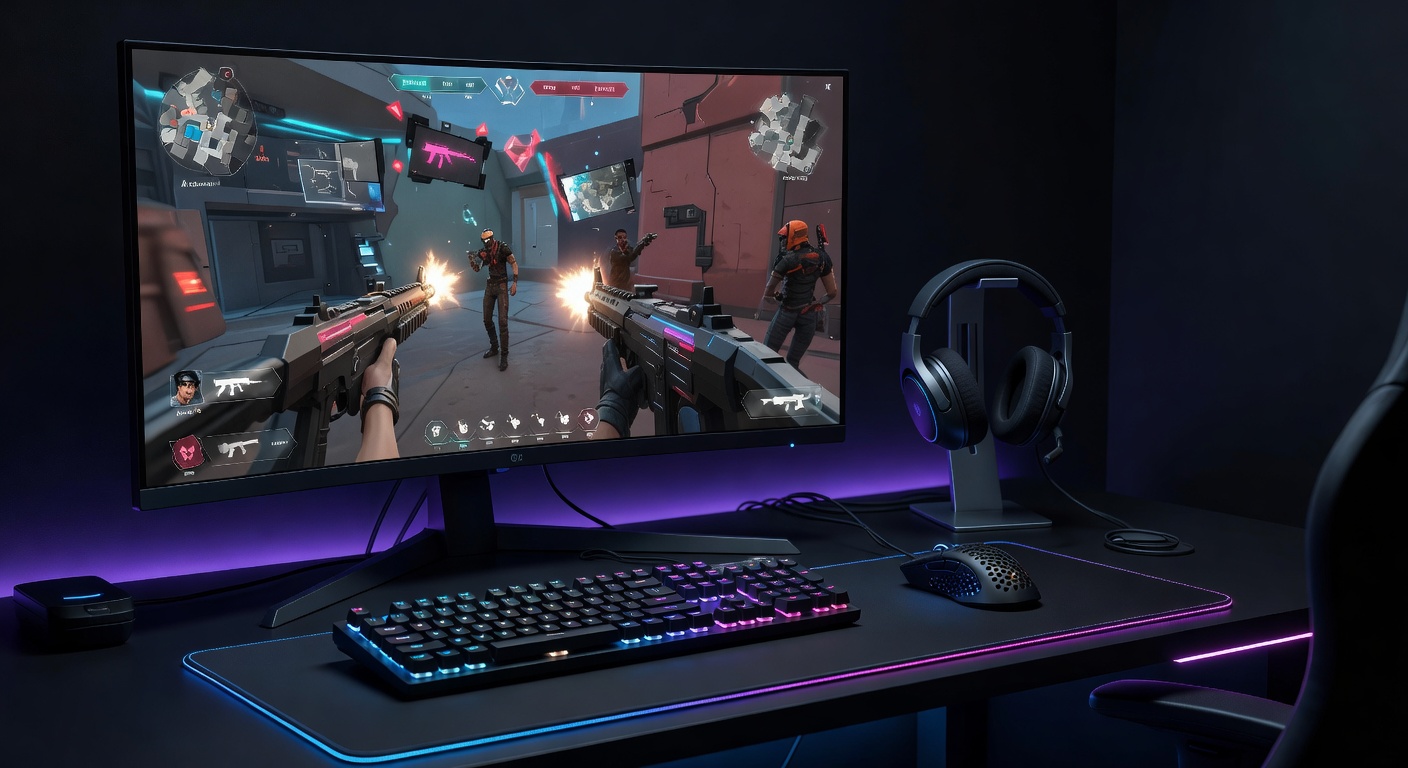
What Actually Matters in FPS
FPS gear is about removing latency at every step between your intention and what appears on screen. The priority order:
The Picks — Reviewed
Logitech G Pro X Superlight 2
The G Pro X Superlight 2 is the benchmark every FPS mouse is measured against. At 60g it's featherlight — your hand doesn't fatigue through long sessions, and flick shots snap to target with almost no effort. The HERO 2 sensor runs at up to 4000Hz with the LIGHTSPEED USB adapter, cutting input lag to near-imperceptible levels. No compromise design: zero RGB, no side buttons, just tracking and speed. It's the mouse you see in the hands of most tournament-level FPS players for a reason.
- 60g — the lightest gaming mouse in this class
- 4000Hz polling rate eliminates perceptible input lag
- 95-hour battery — never dies mid-match
- Trusted by pro players in every major FPS title
- $159 — premium pricing
- No side buttons for MMO/MOBA players
ASUS ROG Swift VG279QM — 280Hz IPS
280Hz on an IPS panel for $249 is where competitive FPS gaming lives in 2026. The ASUS VG279QM is the fastest 1080p monitor you can buy without going to a specialty gaming display costing twice as much. ELMB Sync (backlight strobing + Adaptive Sync simultaneously) eliminates ghosting even in the most chaotic gunfights. At this refresh rate the difference in smoothness is visible — especially during rapid camera movement that FPS combat demands constantly.
- 280Hz — the fastest IPS at this price
- 0.5ms GtG eliminates ghosting
- ELMB Sync: backlight strobing + VRR simultaneously
- Works with both NVIDIA and AMD
- 1080p only — 1440p not possible at this refresh/price
- Bloom in HDR mode
SteelSeries Arctis Nova Pro Wireless
The Arctis Nova Pro Wireless is the hearing advantage headset. Its 10–40 kHz Hi-Fi range means you pick up the full spectrum of positional audio cues — footsteps behind cover, distant reloads, the directional crack of a gunshot. The 2.4GHz wireless adds zero perceptible latency vs wired. The dual-battery hot-swap system means you never wait for it to charge. The AI-powered ClearCast mic keeps your calls sharp even in loud environments. It's the headset you put on and immediately hear things you were missing.
- Hi-Fi audio range exposes positional cues you miss on other headsets
- Dual-battery hot-swap — never interrupts a session
- 2.4GHz wireless = wired latency without the cable
- AI mic keeps team comms clean
- $349 — the most expensive pick in this guide
- Large and heavier than budget options
Razer Huntsman V3 Pro
The Huntsman V3 Pro introduced two things to FPS play that feel like cheating until you get used to them: Rapid Trigger and 8000Hz polling. Rapid Trigger resets the key the instant you release it — there's no physical distance threshold. For bunny hopping in CS2, this is transformative. 8000Hz polling means every keypress is registered in 0.125ms. The analog optical Gen-2 switches go as low as 0.1mm actuation — your movement keys respond at a whisper. The trade is price: $249 is a lot for a keyboard. But for competitive FPS, no keyboard is more technically capable.
- Rapid Trigger: zero-reset bunny hopping in CS2/Valorant
- 8000Hz polling — fastest key registration available
- Adjustable actuation down to 0.1mm
- Premium aluminum build
- $249 — significant investment
- No SOCD (simultaneous opposing cardinal directions) — unlike Wooting 60HE
Budget FPS Build (Under $300 Total)
Not ready for premium? This setup keeps the speed advantage while cutting costs significantly:
Frequently Asked Questions
Does a higher refresh rate monitor actually help in FPS?
Yes — measurably. At 280Hz, each frame is displayed for 3.6ms. At 60Hz, it's 16.7ms. You see more frames per second, which means more up-to-date information on screen at every moment. The difference between 60Hz and 144Hz is dramatic. The jump from 144Hz to 280Hz is smaller but still noticeable in fast tracking situations.
What DPI should I use for FPS games?
Most competitive FPS players use 400–800 DPI combined with a higher in-game sensitivity. Lower DPI forces larger arm movements for precise aim. The G Pro X Superlight 2's HERO 2 sensor performs best at these ranges — the high max DPI is for flexibility, not an indication of what to use competitively.
Is wireless mouse latency a disadvantage in FPS?
No — not with modern wireless technology. Logitech's LIGHTSPEED wireless at 4000Hz matches or beats many wired connections. The latency difference is well below human perception. The Superlight 2 is trusted by pro players in LAN tournaments specifically because there's no disadvantage.
What is Rapid Trigger and why does it matter for FPS?
Standard keyboards only register a new keypress after the key physically returns past the actuation point (~2mm). Rapid Trigger resets instantly on release — any upward movement, regardless of distance. In CS2 or Valorant, this means you can strafe-stop and fire faster because your movement keys reset before you'd normally be able to press them again.
1080p vs 1440p for FPS — which is better?
Depends on your priority. 1080p lets you hit higher refresh rates (280Hz) at lower GPU cost. 1440p looks sharper and enemy models are easier to read at distance. Top pros almost universally use 1080p at 240Hz+ because they prioritize frame rate and smoothness. Casual-to-semi-competitive players are well-served by 1440p 165Hz.