Best Gaming Keyboards 2026: Cheap & Budget Top 5
Updated August 2026. Hall Effect Rapid Trigger is not the future anymore — it is the pro default. Public share has the Wooting 80HE first overall, Huntsman V3 Pro TKL still huge, and 60HE / 60HE v2 owning compact desks. This list dropped the 2019 Anne Pro 2 and stopped pretending OmniPoint TKL is the competitive ceiling. Picks are spec analysis plus public reviews and pro-share, not a CosmicGamesHub lab.
Picks last checked September 2026 against on-page specs and Amazon links. We did not re-rank from memory. Verify the current price on Amazon.
| Pick | Keyboard | Price | Switch | Best For |
|---|---|---|---|---|
| 💰 Budget | Redragon K552 KUMARA | ~$35 | Outemu Blue/Red | First mechanical keyboard |
| ⭐ Mid mechanical | HyperX Alloy Origins Core | ~$69 | HyperX Red/Aqua | TKL gaming + typing |
| 🎯 Compact HE | Wooting 60HE v2 | ~$180 | Lekker Tikken HE | Max mouse space / VAL |
| 🏢 Big-brand analog | Huntsman V3 Pro TKL | ~$219 | Razer Analog Optical | TKL Rapid Trigger + retail |
| 👑 Pro default | Wooting 80HE | ~$200 | Lekker L60 V2 HE | CS2 / Fortnite / typing |
Jump to a Section
1. Best Budget Gaming Keyboard (~$35)
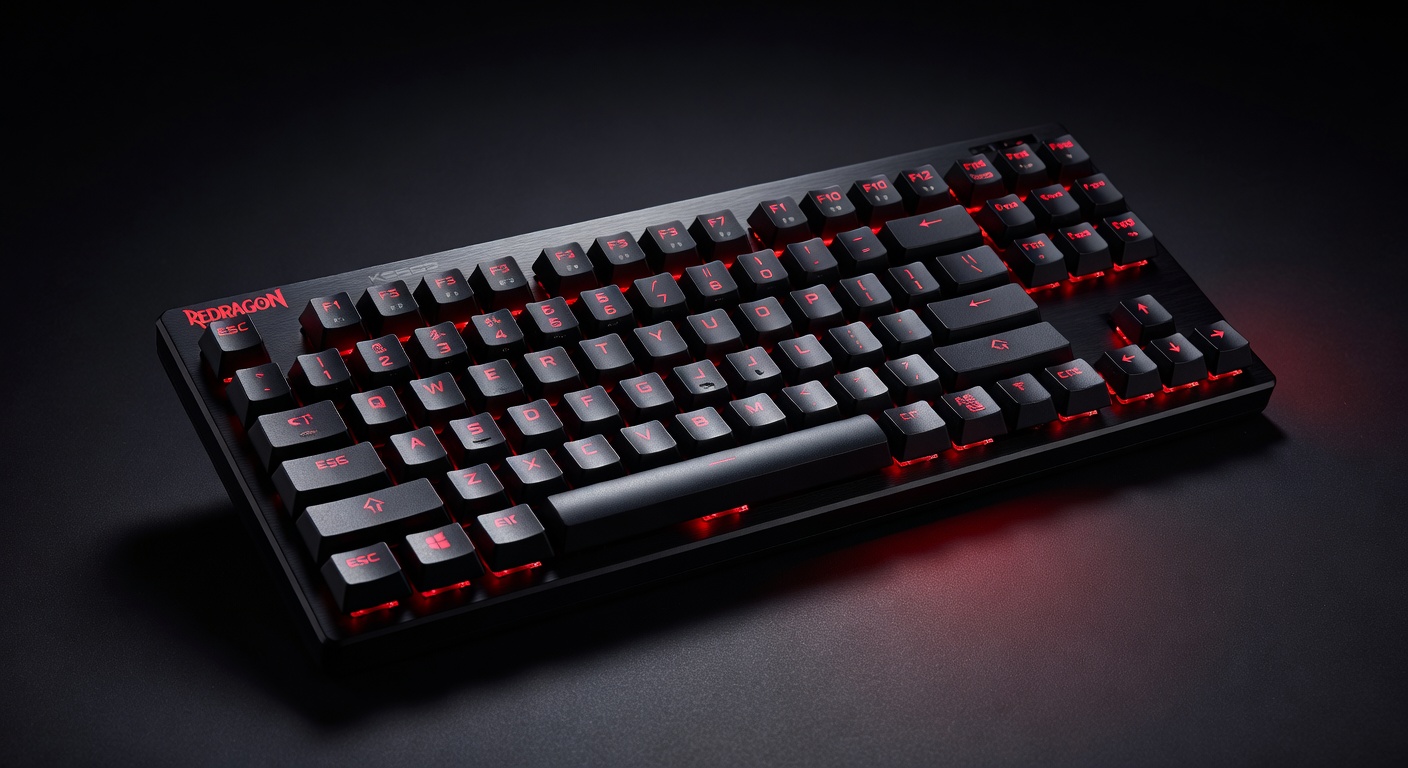
The Redragon K552 is the mechanical keyboard that proves you don't need to spend $100+ to get a real typing experience. Outemu Blue switches deliver the audible click and tactile bump that makes mechanical keyboards worth it. TKL (tenkeyless) layout saves desk space. Metal top plate keeps it from feeling like a toy. The best entry point into mechanical gaming keyboards.
Pros
- Real mechanical switches at $35
- Metal top plate — not plasticky
- TKL saves significant desk space
- RGB backlight with multiple modes
Cons
- Outemu switches, not Cherry MX
- Cable is non-detachable
- Blue switches are loud — not office-friendly
2. Best Mid-Range Gaming Keyboard (~$70)
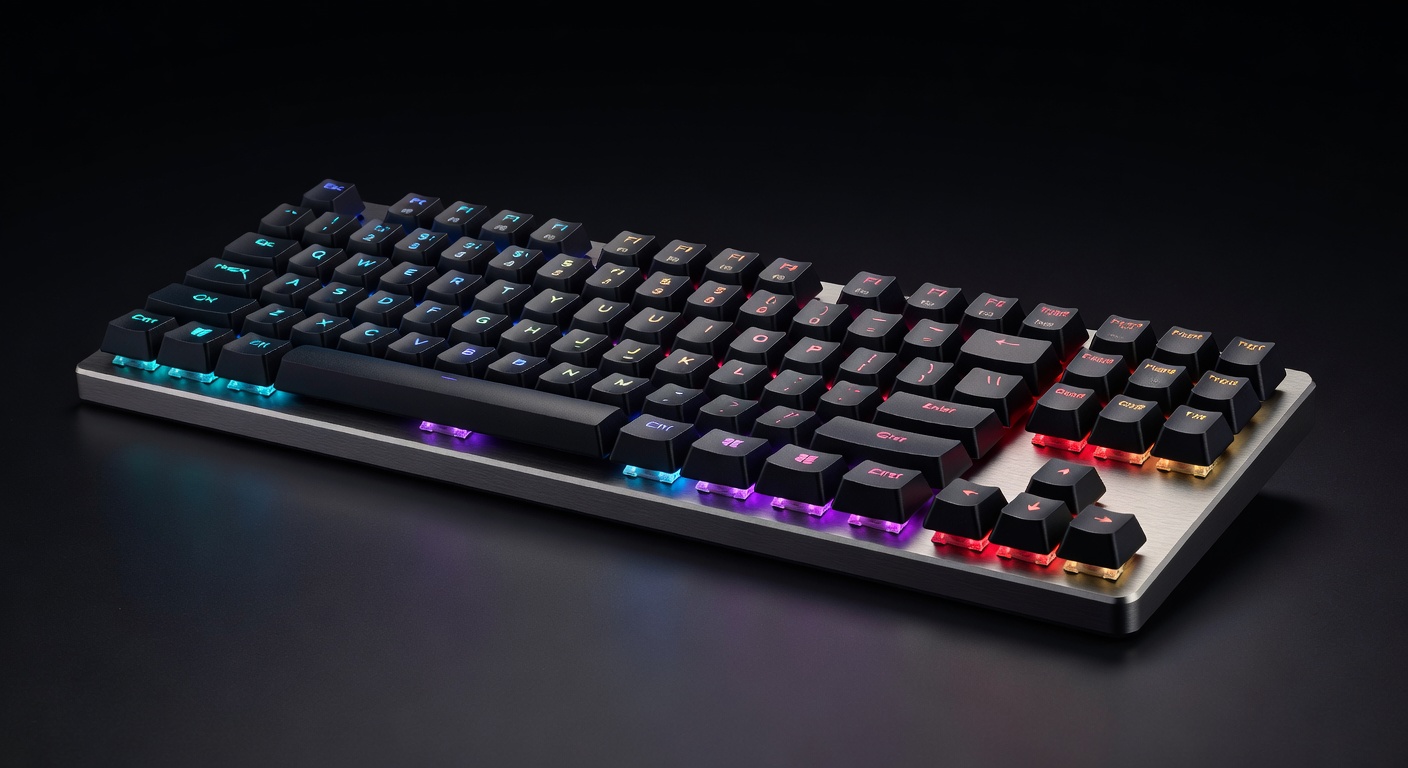
The HyperX Alloy Origins Core is where build quality jumps noticeably from the budget tier. Full aluminum body, detachable USB-C cable, and HyperX's own linear switches (Red) or tactile switches (Aqua) — all better than Outemu at this price. The compact TKL design and clean minimalist aesthetic work for both gaming and productivity. A genuinely premium feel at $70.
Pros
- Full aluminum build feels premium
- Detachable USB-C cable
- HyperX switches are well-regarded
- Very solid for the price
Cons
- No software-free per-key RGB
- HyperX NGENUITY app required for customization
- No wireless option at this price
3. Best Compact Hall Effect Keyboard (~$180)
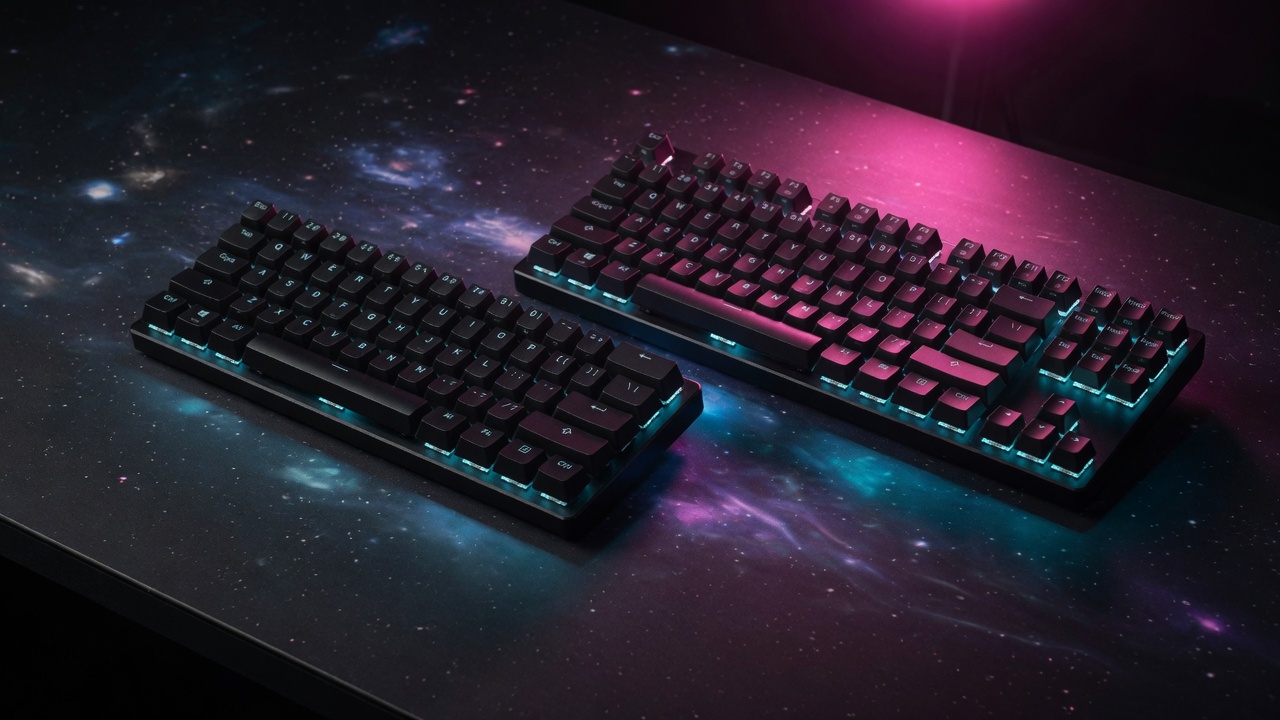
The Anne Pro 2 does not belong on a 2026 competitive list. The 60HE v2 is the compact board VALORANT still lives on: Rapid Trigger, true 8 kHz, Lekker Tikken closed-bottom switches, friction-fit module, ABS or aluminum. Wired only — Wooting is honest about that. If you want max mouse swing and analog WASD, this is the one. Original 60HE+ remains on Amazon; v2 is the current buy. Compare layouts in our 80HE vs 60HE v2 piece.
Pros
- Most mouse space of any board here
- Tikken switches type better than v1
- Wootility in the browser, no bloat
- Still a VALORANT pro favorite
Cons
- Wired only
- No F-row or arrows without layers
- Amazon stock is spotty — Wooting store is primary
4. Best Big-Brand Analog TKL (~$220)
If you want Rapid Trigger without ordering from the Netherlands, this is the board you actually find at Best Buy. Analog optical switches, 0.1–4.0 mm actuation, 8 kHz on current units, media keys, and a chassis that feels more "finished" than Wooting's PCR plastic. Public CS2 share still has it second behind the 80HE. Synapse is the tax. Skip it if you want Wootility depth or SOCD; buy it if you want Rapid Trigger in a normal TKL with a warranty you can walk into a store with. Versus the 60HE.
Pros
- Easy to buy and return in the US
- Still a top-two pro TKL
- Better stock typing chassis than 60%
- Media wheel and F-row included
Cons
- Synapse vs Wootility is not a fair fight
- Louder / less "thock" than 80HE
- Usually more expensive than 80HE PCR
5. Best Pro Default Keyboard (~$200)
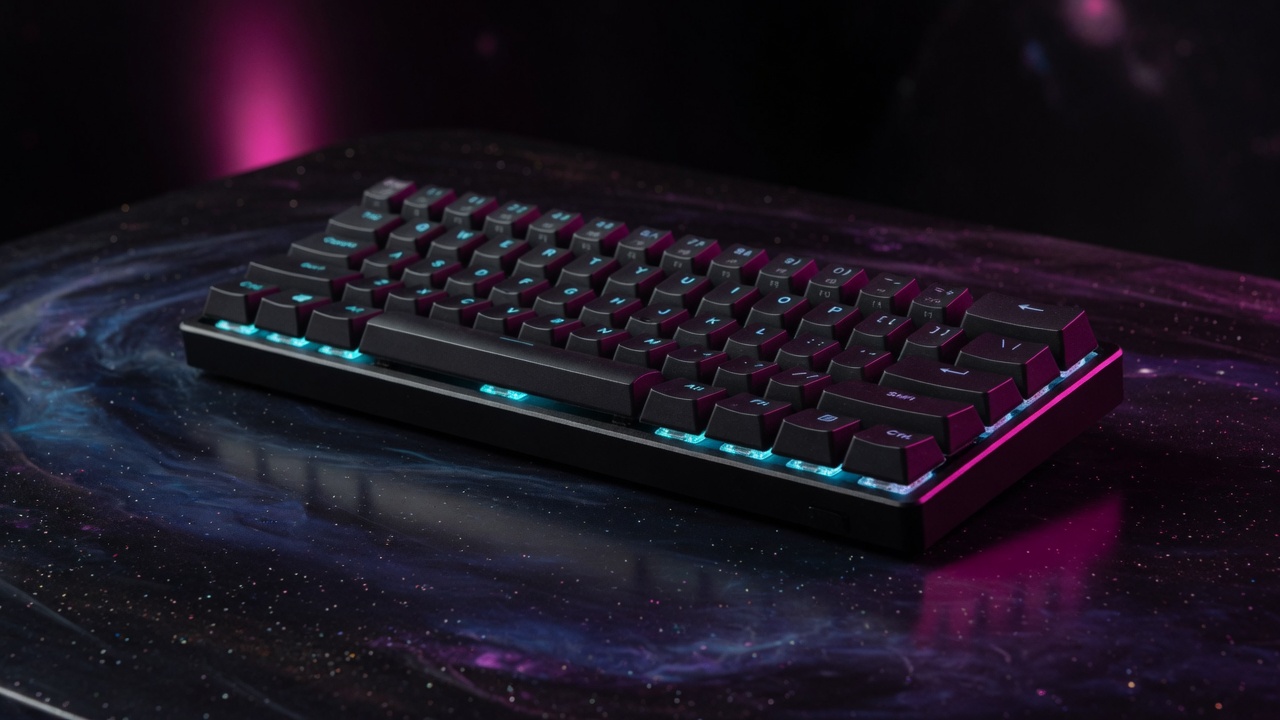
This is the board. June 2026 ProSettings summer snapshot had 80HE first at 17% overall; August CS2 tracking has it first by a wide margin (~30% of tracked CS2 players). Function row, arrows, gasket mount, true 8 kHz Tachyon mode, Rapid Trigger, analog, hot-swap HE. PCR plastic is the competitive buy; zinc is the typing-sound buy. Apex Pro TKL still exists — it is no longer the default. Read the 80HE review.
Pros
- Current CS2 and Fortnite pro default
- Better typing than 60HE, still compact
- Wootility remains the software to beat
- Usually cheaper than Huntsman V3 Pro TKL
Cons
- Wired only
- Amazon US listings are messy — buy from Wooting if you can
- PCR case has some flex vs zinc
Quick Comparison: Best Gaming Keyboards 2026
| Keyboard | Price | Layout | Switch Type | Wireless? | Best For | Buy |
|---|---|---|---|---|---|---|
| Redragon K552 KUMARA | ~$35 | TKL | Outemu Blue | No | Budget Entry | Amazon → |
| HyperX Alloy Origins Core | ~$69 | TKL | HyperX Red/Aqua | No | Best Overall Wired | Amazon → |
| Wooting 60HE v2 | ~$180 | 60% | Lekker Tikken HE | No | Compact Rapid Trigger | Amazon → |
| Razer Huntsman V3 Pro TKL | ~$219 | TKL | Analog Optical | No | Retail Analog | Amazon → |
| Wooting 80HE | ~$200 | 80% | Lekker L60 V2 HE | No | Pro Default | Amazon → |
Gaming Keyboard Buying Guide: What Really Matters
Mechanical vs Membrane: Is Mechanical Worth It?
Yes, for gaming. Membrane keyboards (the kind bundled with PCs) have mushy, imprecise actuation. Mechanical switches give you a defined actuation point — you know exactly when the keypress registers. This improves both typing speed and gaming input accuracy. The $35 Redragon K552 proves mechanical doesn't have to mean expensive.
Switch Types: Linear, Tactile, and Clicky
Linear (Red, Speed Silver): Smooth keystroke, no tactile bump, quietest. Preferred for FPS gaming — faster, less fatiguing. Tactile (Brown, Aqua): Physical bump at actuation point, no audible click. Good all-rounder for gaming + typing. Clicky (Blue, Green): Loud click + tactile bump. Best typing feel, worst for roommates and open offices.
Layout: Full, TKL, or 60%?
Full size (100%): includes numpad — good for work, takes more desk space. TKL (80%): removes numpad, most popular for gaming — better mouse movement space. 60%: removes function row and arrows — very compact, needs layer system for navigation. Most competitive gamers prefer TKL for the balance of functionality and desk space.
Wired vs Wireless for Gaming
Unlike mice, keyboard input latency is less critical — your fingers aren't making millimeter adjustments. Wireless is genuinely viable for gaming keyboards. The G915 TKL's LIGHTSPEED wireless is effectively wired in latency terms. The main downside is battery life management and the price premium. Budget wireless keyboards ($50–$80 range) often have latency issues — stick to Logitech LIGHTSPEED or spend on the G915.
Hall Effect vs Mechanical in 2026
Hall Effect with Rapid Trigger is the competitive standard, not a niche. Magnetic sensors track the full travel so you can set actuation and reset independently — that is why Wooting and analog Razer boards ate traditional MX boards in pro share. Mechanical still wins if you want wireless, cheap, or a typing board you never want to configure. Do not pay $200 for a linear MX TKL in 2026 if your game is CS2 or VALORANT.
Hot-Swap Switches: Future-Proofing
The Wooting 80HE and 60HE v2 are hot-swap for compatible Hall Effect switches. Traditional MX hot-swap still lives on Keychron and similar. If you want to experiment without soldering, buy HE hot-swap, not a glued Apex/Huntsman analog plate.
Related reading
- Gaming Keyboard Switches 2026 — Hall Effect vs Linear →
- Best Hall Effect Gaming Keyboards 2026 — 80HE vs 60HE v2 vs Huntsman vs Apex Pro →
- Best Keyboard for Minecraft PvP 2026 →
- Wooting 80HE Review →
- Pros on Wooting →
- Best Gaming Mice 2026 →
- How we choose products →
- Find My Gear recommender →
- Valorant gear hub →
- CS2 gear hub →