Best Gaming Monitors 2026: Top 5 Picks at Every Price Point
Updated August 2026. The 2023 LG 27GP850 is no longer the default 1440p pick — 180Hz Fast IPS like the ASUS XG27ACS often street under $220, and 27-inch 1440p OLED is a real $350 upgrade, not a $1,000 flex. We did not lab-test these panels. Picks are current pricing, public reviews, and what actually ships. 1440p high-Hz IPS is still the FPS sweet spot; OLED is the picture upgrade.
| Pick | Monitor | Price | Panel / Hz | Best For |
|---|---|---|---|---|
| 💰 Budget | AOC C24G1A | ~$149 | VA 165Hz 1080p | Entry-level gaming |
| ⭐ Sweet Spot | ASUS XG27ACS | ~$200 | Fast IPS 180Hz 1440p | Best all-round LCD |
| 👑 OLED Value | MSI MAG 272QP QD-OLED X24 | ~$350 | QD-OLED 240Hz 1440p | Picture upgrade |
| 📡 4K HDMI 2.1 | LG 27GP950-B | ~$450 | Nano IPS 144Hz 4K | Console + PC 4K |
| 🎯 Ultrawide | LG 34GP83A-B | ~$549 | IPS 144Hz 1440p UW | Immersive single-player |
Jump to a Section
1. Best Budget Gaming Monitor (~$150)
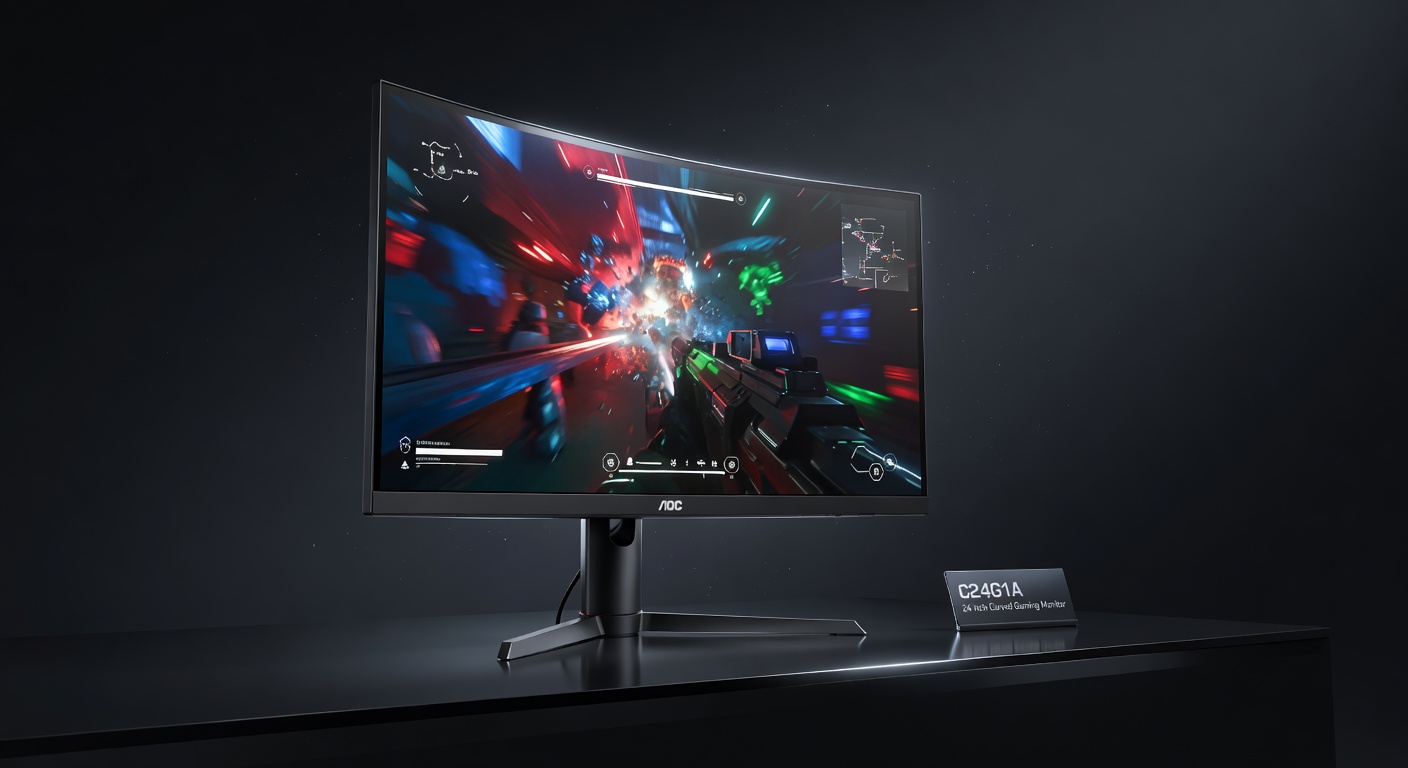
The AOC C24G1A proves 165Hz gaming doesn't have to be expensive. The 24" curved VA panel delivers excellent contrast ratios (2000:1) — blacks look genuinely black, which matters for dark game environments. The 165Hz refresh rate (overclockable from 144Hz) is a significant upgrade from 60Hz for any competitive game. AMD FreeSync Premium eliminates screen tearing without needing a specific GPU brand. The best $150 gaming monitor money can buy.
Pros
- 165Hz at $149 is exceptional value
- VA panel: excellent contrast for dark games
- FreeSync Premium (works with most GPUs)
- Curved panel adds immersion
Cons
- 1080p limits visual clarity at 24"
- VA ghosting visible in fast motion
- No USB hub or built-in speakers
2. Best 1440p IPS — The 2026 LCD Sweet Spot (~$200)
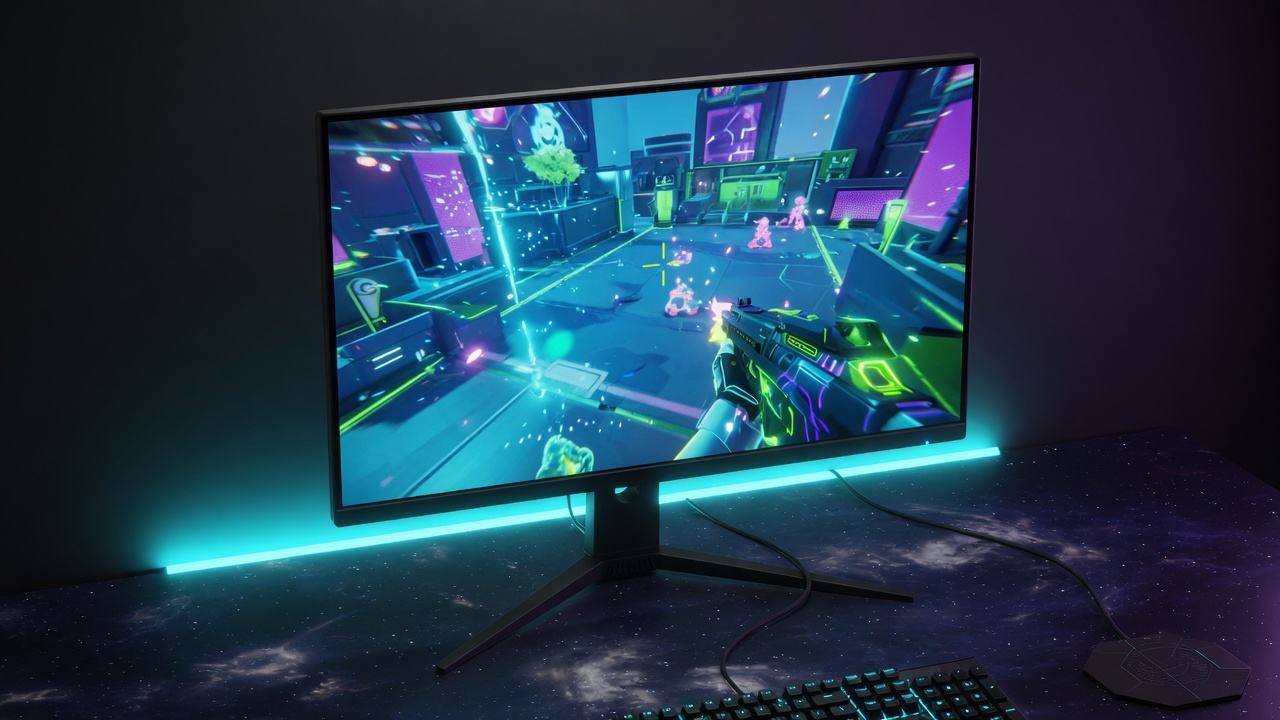
Stop buying a 2021 27GP850 as if it were still the 2026 default. The XG27ACS is a 27-inch 1440p 180Hz Fast IPS with USB-C video, G-Sync Compatible, and a height-adjust stand. August 2026 street prices have sat around $200. It is not HDR in any meaningful sense (DisplayHDR 400, no dimming). It is the LCD we would actually send a mid-range GPU. Keep 27GP850 only if you find it cheaper used.
Pros
- 180Hz 1440p at ~$200 street
- USB-C video plus a real stand
- G-Sync Compatible / FreeSync
- The LCD most mid-range GPUs can actually feed
Cons
- HDR400 is a sticker, not a picture
- HDMI 2.0, not 2.1 — console 4K is not the point
- USB-C PD is weak (~7.5W)
3. Best OLED Value (~$350)
This is the 2026 upgrade, not a 480Hz $1,000 panel. 27-class 1440p 240Hz QD-OLED has fallen into the mid-$300s. Infinite contrast, ~0.03ms, HDMI 2.1. Burn-in care still matters for static HUDs and taskbars — MSI OLED Care 2.0 is table stakes. If you want 480Hz esports OLED, look at LG 27GX790A (street wildly variable). If you want 4K OLED, that is a different GPU conversation. Dedicated roundup: Best OLED gaming monitors 2026.
Pros
- The picture IPS cannot match at this size
- 240Hz is enough for almost every GPU
- Street price finally sane
- HDMI 2.1 for consoles at 1440p
Cons
- Burn-in risk with static UI
- Glossy panel, room lighting matters
- 480Hz OLEDs exist if you actually hit 400+ FPS
4. Best 4K HDMI 2.1 Gaming Monitor (~$450)
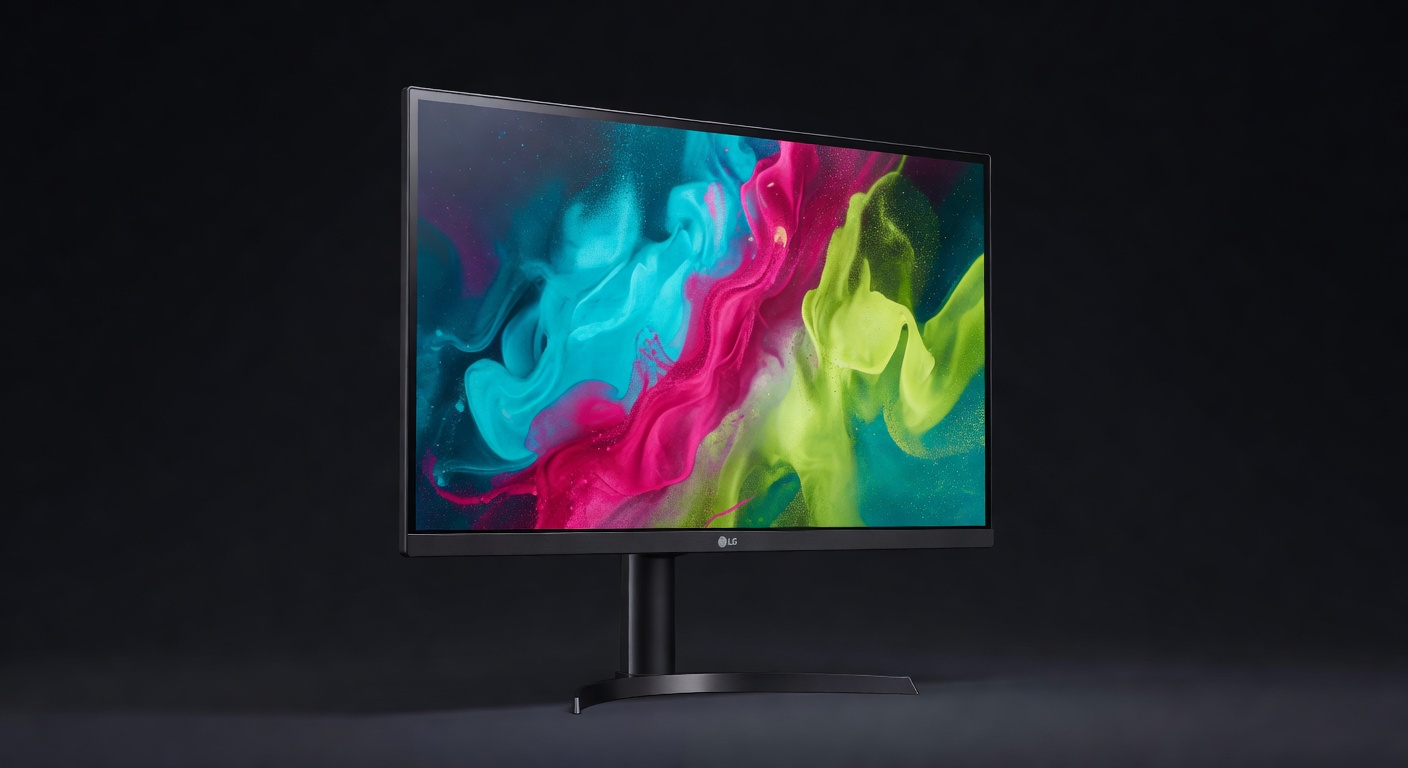
4K gaming used to mean compromising on refresh rate. The LG 27GP950-B ends that tradeoff — 4K resolution at 160Hz via DisplayPort 1.4 (144Hz via HDMI 2.1). Nano IPS panel with HDR 600 delivers rich, wide color gamut and genuine HDR pop in supported titles. HDMI 2.1 support makes it excellent for PS5 and Xbox Series X at 4K. If you have the GPU to push it, this is the best 4K gaming monitor at this price.
Pros
- 4K + 160Hz — both, no compromise
- HDMI 2.1 for console 4K@120Hz
- HDR 600 — actual HDR, not fake HDR400
- Nano IPS: accurate color + fast response
Cons
- Requires RTX 3080/4070+ or RX 6800+ for 4K@160Hz
- $449 is a significant investment
- IPS glow in very dark content
5. Best Ultrawide Gaming Monitor (~$550)
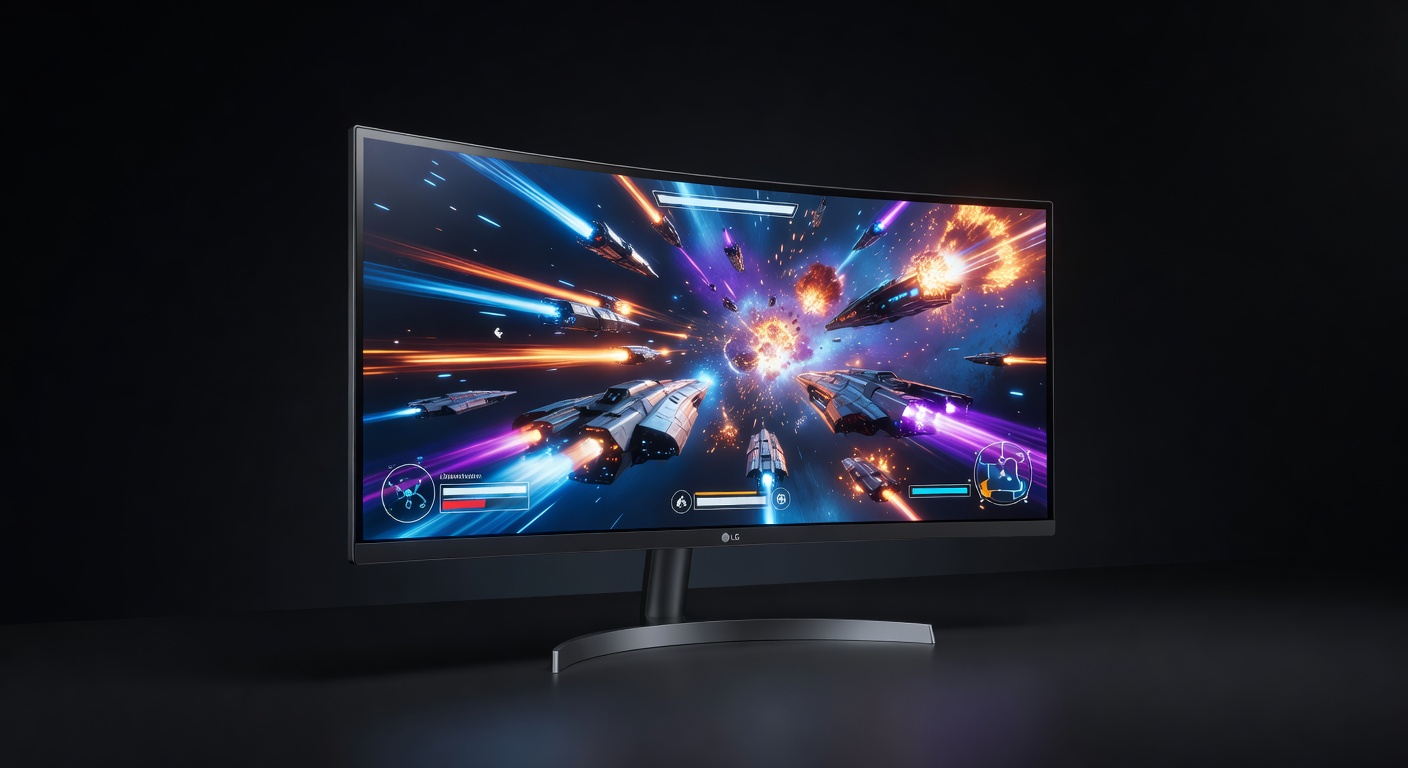
The 34" ultrawide (21:9) format transforms the gaming experience in open-world, racing, and simulation games — wider peripheral vision, more immersive field of view, and the extra screen real estate eliminates the need for a second monitor for productivity. The LG 34GP83A's 160Hz IPS panel means you don't sacrifice speed for width. G-Sync compatible and FreeSync Premium Pro. If you're ready for ultrawide, this is the board to get.
Pros
- 3440×1440 fills your peripheral vision
- 160Hz — no speed compromise for width
- IPS panel: excellent colors + angles
- Replaces need for dual-monitor setup
Cons
- Some competitive games don't support ultrawide
- Requires powerful GPU for 3440×1440@160Hz
- Large physical footprint
Quick Comparison: Best Gaming Monitors 2026
| Monitor | Price | Size | Resolution | Refresh Rate | Panel | Buy |
|---|---|---|---|---|---|---|
| AOC C24G1A | ~$149 | 24" | 1080p | 165Hz | VA Curved | Amazon → |
| ASUS ROG Strix XG27ACS | ~$200 | 27" | 1440p | 180Hz | Fast IPS | Amazon → |
| MSI MAG 272QP QD-OLED X24 | ~$350 | 26.5" | 1440p | 240Hz | QD-OLED | Amazon → |
| LG 27GP950-B | ~$449 | 27" | 4K UHD | 160Hz | IPS Nano HDR | Amazon → |
| LG 34GP83A-B | ~$549 | 34" | 3440×1440 | 160Hz | IPS Curved | Amazon → |
Gaming Monitor Buying Guide: What Actually Matters
Resolution: 1080p, 1440p, or 4K?
1080p (Full HD) is fine at 24" — pixels are small enough to not be distracting. At 27" and larger, 1080p starts looking noticeably soft. 1440p (2K) is the 2026 sweet spot: sharper than 1080p at 27", runs well on mid-range GPUs (RTX 3060, RX 6600 XT), and the jump in clarity is immediately visible. 4K is stunning but requires a high-end GPU to hit acceptable frame rates in demanding titles.
Refresh Rate: 60Hz vs 144Hz vs 165Hz+
Going from 60Hz to 144Hz is the single biggest visual upgrade you can make to a gaming setup — motion looks dramatically smoother, and fast inputs feel more responsive. Going from 144Hz to 240Hz is a smaller but real improvement for competitive FPS players. For most gamers, 144Hz or 165Hz is the target. Above 240Hz provides diminishing returns that are difficult to perceive except in professional play.
Panel Type: IPS vs VA vs OLED
IPS: Best LCD color and viewing angles, still the FPS value play at 1440p 180Hz. VA: Contrast king among LCDs, more ghosting in flicks. OLED (WOLED / QD-OLED): The 2026 picture upgrade — true black, ~0.03ms, 240–540Hz 1440p panels. Care for burn-in and brightness in bright rooms. TN: Obsolete for this list. HDMI 2.1 4K remains the console story; 1440p high-Hz IPS remains the FPS dollar story.
G-Sync vs FreeSync vs FreeSync Premium
Both technologies eliminate screen tearing by synchronizing the monitor's refresh rate to your GPU's frame output. G-Sync (Nvidia certified) costs more but guarantees quality testing. FreeSync (AMD) and FreeSync Premium are open standards and now work on Nvidia GPUs as "G-Sync Compatible" through driver support. Most modern gaming monitors support both — look for "FreeSync Premium Pro" or "G-Sync Compatible" to confirm dual-vendor support.
Should You Get a Curved Monitor?
For single-player immersive games (RPGs, racing, open world), a curved monitor at 27"+ meaningfully increases immersion. For competitive FPS, flat is generally preferred — curved introduces slight distortion at the edges that some players find distracting in crosshair-centric play. Ultrawide curved (34"+ 21:9) is compelling for any single-player game that supports the aspect ratio.
More Gaming Gear Guides
- Gaming Monitor Buying Guide 2026 — IPS vs VA vs OLED, Hz, HDR, G-Sync explained →
- Best 1440p Gaming Monitors 2026 — WQHD Deep Dive →
- Best Gaming Monitors for PS5 2026 — HDMI 2.1, 4K 120fps, OLED vs LCD →
- Best Gaming Headsets 2026 →
- Best Gaming Mice 2026 →
- Best Budget Gaming Chairs →
- Best Gaming Keyboards 2026 →
- FPS Calculator — See What Your Rig Can Handle →
- How we choose products →
- Find My Gear recommender →
- Apex gear hub →
- CS2 gear hub →