Best Gaming Setup Under $500 (2026)
Everything you need — headset, mouse, keyboard, chair, and monitor — for under five hundred bucks. We picked the sweet spot at each slot.
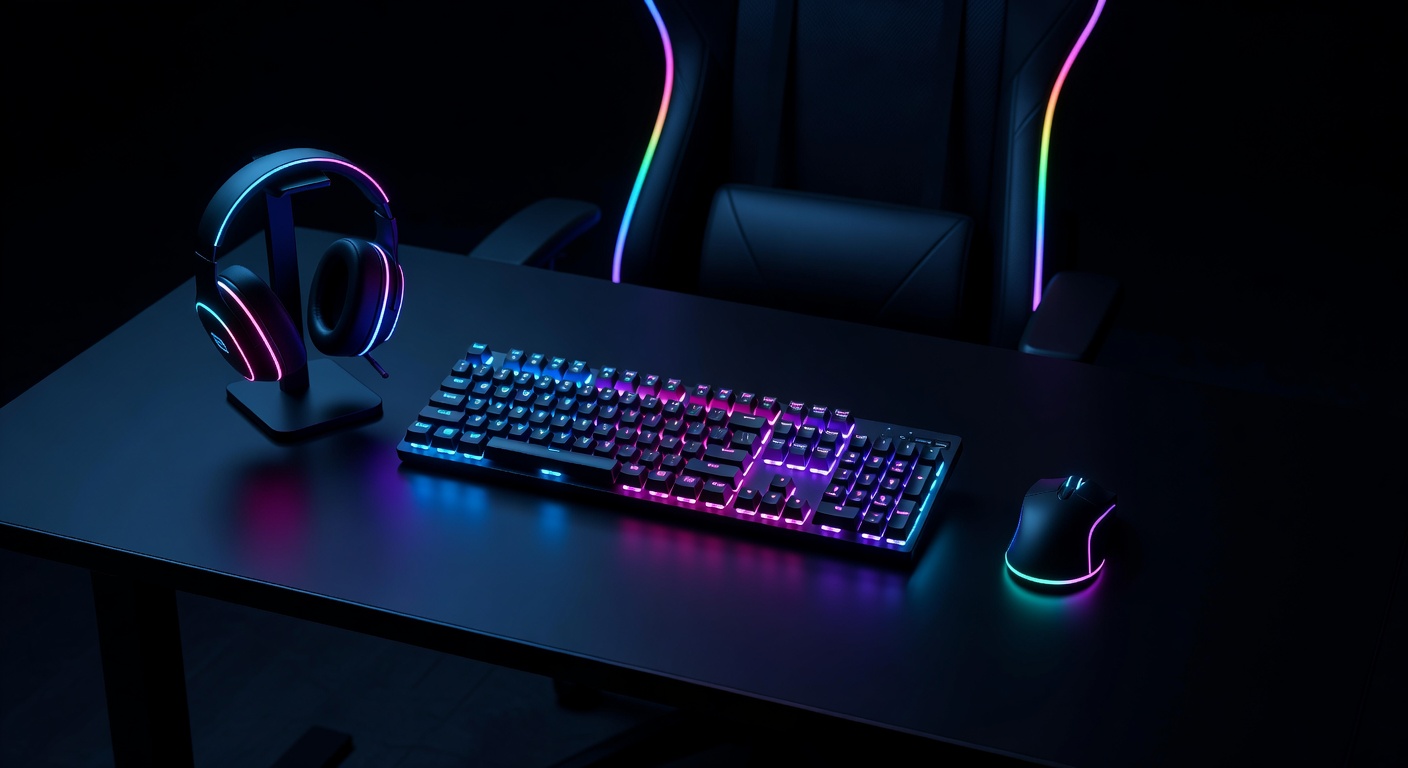
The Complete Build
This setup covers every slot of a gaming desk build. Total comes in under $330 typical street — leaving headroom to upgrade one piece at a time, or go wireless on the mouse. Open Amazon for the live listing.
| Slot | Pick | Typical | Buy |
|---|---|---|---|
| Headset | HyperX Cloud Stinger Gen 2 | ~$50 | Amazon |
| Mouse | Logitech G203 LIGHTSYNC | ~$30 | Amazon |
| Keyboard | Redragon K552 KUMARA | ~$40 | Amazon |
| Chair | Homall Gaming Chair | ~$80 | Amazon |
| Monitor | AOC 24G2 144Hz | ~$130 | Amazon |
| Total typical street | ~$330 | ||
Typical street, not a live ticker. We may earn a commission if you buy through these links. That does not change the pick.
The Picks — Reviewed
HyperX Cloud Stinger Gen 2
HyperX built a reputation on the Cloud line for a reason — 50mm drivers that punch above their price class, a swivel-to-mute noise-canceling mic, and a lightweight 275g frame that won't wear you out during long sessions. The 3.5mm jack works on PC, PlayStation, Xbox, and Switch with no adapter hassle.
- Sound quality far beyond the price
- Works on every platform, no adapter needed
- Lightweight — comfortable for marathon sessions
- No wireless option at this price
- No virtual 7.1 surround
We may earn a commission if you buy through this link. That does not change the pick.
Logitech G203 LIGHTSYNC
Logitech's budget workhorse. The G203 uses the same reliable optical tracking that made the G100s legendary, updated with an 8000 DPI sensor and LIGHTSYNC RGB. Six programmable buttons, a comfortable symmetrical shape that works for most grip styles, and Logitech's software ecosystem. At $30, it's a no-brainer starting point.
- Proven reliable Logitech tracking
- Logitech G HUB software support
- Comfortable for most hand sizes
- Wired only
- 85g — heavier than competitive mice
We may earn a commission if you buy through this link. That does not change the pick.
Redragon K552 KUMARA
Getting a real mechanical keyboard for $40 is remarkable, and the K552 delivers it. Outemu Blue switches give you that satisfying clicky feedback, the TKL layout saves desk space, and the metal alloy construction means it actually feels solid. N-key rollover handles any multi-key combination your gaming demands.
- True mechanical switches at budget price
- Durable metal build — not plasticky
- TKL saves desk space for mouse movement
- Outemu Blues are loud — office/roommate unfriendly
- Red-only backlight, no RGB
We may earn a commission if you buy through this link. That does not change the pick.
Homall Gaming Chair
The Homall delivers the core things you actually need in a gaming chair at the lowest possible price: lumbar pillow, adjustable height, wide recline range (90°–180°), and a sturdy enough base for long sessions. PU leather isn't premium, but at $80 it holds up and looks the part. Good starting chair before you invest in an ergonomic upgrade.
- Wide recline range — great for movie nights too
- Includes both lumbar and headrest pillows
- High 300lb weight capacity
- PU leather shows wear after 1–2 years of heavy use
- Not a true ergonomic chair — no 4D armrests
We may earn a commission if you buy through this link. That does not change the pick.
AOC 24G2 144Hz IPS Monitor
A 144Hz IPS panel at this price is still impressive. The AOC 24G2 delivers smooth gameplay with a 1ms GtG response time, FreeSync Premium for tear-free frames, and the color accuracy advantage of IPS over TN. 1080p on 24 inches is sharp and runs smoothly on mid-range GPUs. The real standout is how much of a step up it feels coming from a 60Hz display.
- 144Hz feels transformative vs 60Hz
- IPS color accuracy over budget TN panels
- FreeSync eliminates screen tearing
- 1080p only — not 1440p
- No G-Sync support
We may earn a commission if you buy through this link. That does not change the pick.
Upgrade Path — Slot by Slot
This build comes in around $330, leaving ~$170 within a $500 budget. Use it to upgrade a single slot where you'll notice it most. Here's the full upgrade ladder:
| Slot | Budget Pick (this build) | Upgrade Pick | Cost Jump | What You Gain |
|---|---|---|---|---|
| Headset | HyperX Cloud Stinger ($50) | SteelSeries Arctis Nova 3 ($99) | +$49 | Software EQ, better mic, cleaner soundstage |
| Mouse | Logitech G203 ($30) | Logitech G502 X ($60) | +$30 | HERO 25K sensor, LIGHTFORCE switches, 13 buttons |
| Keyboard | Redragon K552 ($40) | SteelSeries Apex 3 TKL ($45) | +$5 | Whisper-quiet switches, IP32 splash resistance, 10-zone RGB |
| Chair | Homall ($80) | OFM Essentials (~$130) | +$50 | Better foam density, real lumbar support, more durable frame |
| Monitor | AOC 24G2 1080p 144Hz ($130) | LG 27GP850-B 1440p 165Hz ($249) | +$119 | Sharper 1440p, 165Hz Nano IPS, bigger 27" panel |
Recommendation: If you have $50 to spare beyond this build, upgrade the mouse first — the G502 X's LIGHTFORCE switches are a meaningful quality jump. If you have $170+, upgrade the monitor to 1440p. The visual difference is immediately noticeable.
Head-to-Head: The Exact Choices You're Facing
Can't decide between the budget pick and the upgrade? We broke down each exact matchup:
Frequently Asked Questions
Is $500 enough for a complete gaming setup?
Yes — and this build comes in around $330, leaving room to spare. The $500 ceiling actually gives you options to upgrade one or two slots (especially the monitor or chair) while keeping the rest budget-friendly.
Does this include a PC or console?
No — this guide covers peripherals only (headset, mouse, keyboard, chair, monitor). Building or buying a gaming PC or console is a separate investment.
What's the best single upgrade from this build?
If you're coming from a 60Hz monitor, upgrading to the AOC 24G2 144Hz will feel like the biggest leap. If you already have a 144Hz display, go wireless on the mouse — cutting the cable has no downsides at this budget.
Can I get a mechanical keyboard under $50?
Yes — the Redragon K552 at $39.99 is a genuine mechanical keyboard with metal construction. It uses Outemu switches (not Cherry MX), but for gaming they're functionally equivalent. The main tradeoff is they're clicky and loud.
Should I get a wired or wireless mouse for this build?
At this budget tier, wired is the right call. Wireless mice under $40 use older sensor technology and need frequent battery changes. The Logitech G203 wired performs identically to mice twice its price in terms of tracking accuracy. When you upgrade to the $45–$60 range, wireless becomes a smart option — the Logitech G305 at ~$45 uses the same HERO sensor as the G203 with 250+ hour battery life.
Is 1080p good enough for gaming in 2026?
Yes — especially for competitive games. Valorant, CS2, Apex Legends, and Fortnite all run excellently at 1080p and are easier to push to high frame rates (144Hz+) with mid-range GPUs. Where 1440p starts to matter is in visually detailed single-player games or when you're upgrading to a RTX 4070 or better GPU. For this budget build, 1080p 144Hz is the right call.
Does the Redragon K552 work on PS5 or Xbox?
Yes — most wired USB keyboards including the K552 work on PS5 and Xbox via USB. Some features (macros, software lighting modes) require the Redragon software which is PC-only, but basic typing and key inputs work universally. The same applies to the Logitech G203 mouse on consoles.