You don't need a $100K game engine license or a 10-person studio. In 2026, a browser game goes from idea to live URL in a weekend — with the right AI tools handling the code, art, and audio. Here's exactly how it's done.
The Shift
The barrier to game development used to be clear: you needed programming skills, art skills, audio skills, or money to hire people who had them. AI didn't remove that barrier — it dissolved it.
Modern AI coding assistants don't just autocomplete — they write complete game systems from a description. You describe the mechanic, they write the physics loop. You describe the feel, they write the event handlers. You push back on something broken, they fix it and explain why. The loop of idea → working code has compressed from weeks to hours.
The games on this hub — BRIX 3D, Void Keeper, Gamerdle, Dream Machine and others — were all built with AI assistance. Not by hiding that fact, but by leaning into it. The workflow is real, the tools are free to start, and the skills transfer to every future project.
This page is the complete picture: which tools exist, what each one is actually good for, the workflow that works, and real examples you can play right now.
The Toolkit
Split by what you're trying to produce. You won't need all of these at once — a browser game typically only needs the first two categories.
Best-in-class for complex game architecture. Understands multi-file context, reasons about performance, and explains trade-offs — not just autocomplete. Strong with Three.js, Canvas, WebGL, and game loop patterns. Used to build BRIX 3D.
VS Code fork where the AI has full project context — not just the open file. Ask it to refactor across 10 files, add a feature while maintaining patterns, or explain a complex codebase. The fastest iteration loop for larger game projects.
Line-by-line autocomplete that lives inside your editor. Best for filling in the mechanics you already know the shape of — event handlers, collision math, state machines — without context switching.
Strong for game design research — competitive analysis, mechanic breakdowns, "what made X fun" analysis. Also a capable coder with real-time web access. Good companion to Claude for research phases before you build.
Highest quality for game concept art, character design, environment splashscreens. Consistent style across a project when you use the same seed and style reference. Best for hero images, thumbnails, loading screens.
Fast, free image generation with no content filters for creative prompts. The BRIX 3D hero image on this site was generated with Grok Imagine — the glowing LEGO bricks on a cosmic background. Great for quick iterations.
Built specifically for game developers. Fine-tune models on your art style to generate consistent sprites, tiles, and characters. If you need a consistent 2D aesthetic across 50 game characters, Scenario is the right tool.
Strong for precise prompting — GPT-4o understands game design context, so "a pixel art space shooter enemy in 16×16 sprite, transparent background" actually works as expected. Good API access for automation pipelines.
Describe or show a 2D image and get back a 3D mesh (GLB/FBX/OBJ) in minutes. Works well for low-poly game assets. Outputs can be imported directly into Three.js or Unity. Best for props, items, and simple characters.
Design 3D scenes in the browser with AI assist — generate objects, apply materials, animate. Export directly to a React component or iFrame. Great for game menus, loading screens, and lightweight interactive 3D elements.
Full songs from a text prompt. "8-bit chiptune loop, upbeat, 120 BPM, loopable" produces a downloadable game track in seconds. Free tier gives you enough for a full game jam. Quality is genuinely good for indie game use.
AI voice generation for narrator lines, character dialogue, and UI sound effects. Create a consistent voice character for your game's announcer in minutes. SFX generation is newer but covers basic game sounds well.
Suno alternative with strong genre control. Better for atmospheric / ambient game soundscapes than Suno — "dark ambient dungeon crawler" or "tense sci-fi loop" both produce excellent results.
The Workflow
This is the exact workflow used to build BRIX 3D and the other games on this hub. No build tools, no package managers, no deployment pipelines — just HTML, JavaScript, and AI.
Write the clearest possible one-sentence description of your game: what the player does, what makes it fun, and what the win/lose condition is. This becomes your north star prompt. Vague ideas produce vague games — get specific. "A 3D brick-building sandbox in the browser where players place colored LEGO-style bricks on a grid using Three.js" is a real starting prompt.
Ask Grok or Claude to break down what makes 3–5 similar games fun — the mechanics, the feedback loops, the difficulty curve. This research phase saves you from building the wrong thing. Ask: "What are the core feedback loops that make Minecraft satisfying? What should I replicate in a browser 3D builder?"
Give Claude your one-sentence description and ask for a working HTML file with just the core mechanic — no menus, no scoring, no polish. Get the thing that makes the game a game working first. For BRIX 3D: place a brick, see it stick to the grid, be able to orbit the camera. Everything else is secondary.
Play the game. Write down everything that feels wrong. Feed those notes back: "The camera orbits feel stiff. The grid snapping is off by half a unit. There's no visual feedback when I hover over a slot." AI handles implementation; you handle judgment. This is the most valuable skill in AI game dev — precise, opinionated feedback.
While the game loop is taking shape, generate your hero image, splash screen, and any sprite sheets. Use Midjourney or Grok Imagine for the visual identity. Keep a style reference prompt you reuse so everything looks cohesive. Prompt tip: end every prompt with your color palette — "neon cyan, amber, deep space black background".
Generate a looping background track in Suno — specify BPM, genre, mood, and that it needs to be loop-ready. Then ask Claude to add the Web Audio API code that fades it in on first user interaction (required by browsers). Ambient music dramatically improves perceived game quality.
Ask Claude: "Audit this game for performance. What's calling render every frame unnecessarily? What should be throttled? Does it work on mobile?" This prompt reliably catches 80% of perf issues — render-on-demand patterns, event listener leaks, oversized assets. BRIX 3D went from lagging at 300+ bricks to smooth at 1000+ with this step.
A single HTML file deploys in under 5 minutes. Push to GitHub, enable Pages, done. For multiple games with a shared nav and styles, a Vercel project gives you instant global CDN, cleanUrls (no .html in URLs), and automatic HTTPS. All the games on this hub deploy exactly this way.
Real Examples
Every game below was built using AI assistance. The stack used and what the AI handled is listed for each so you can see exactly where AI fits in the process.
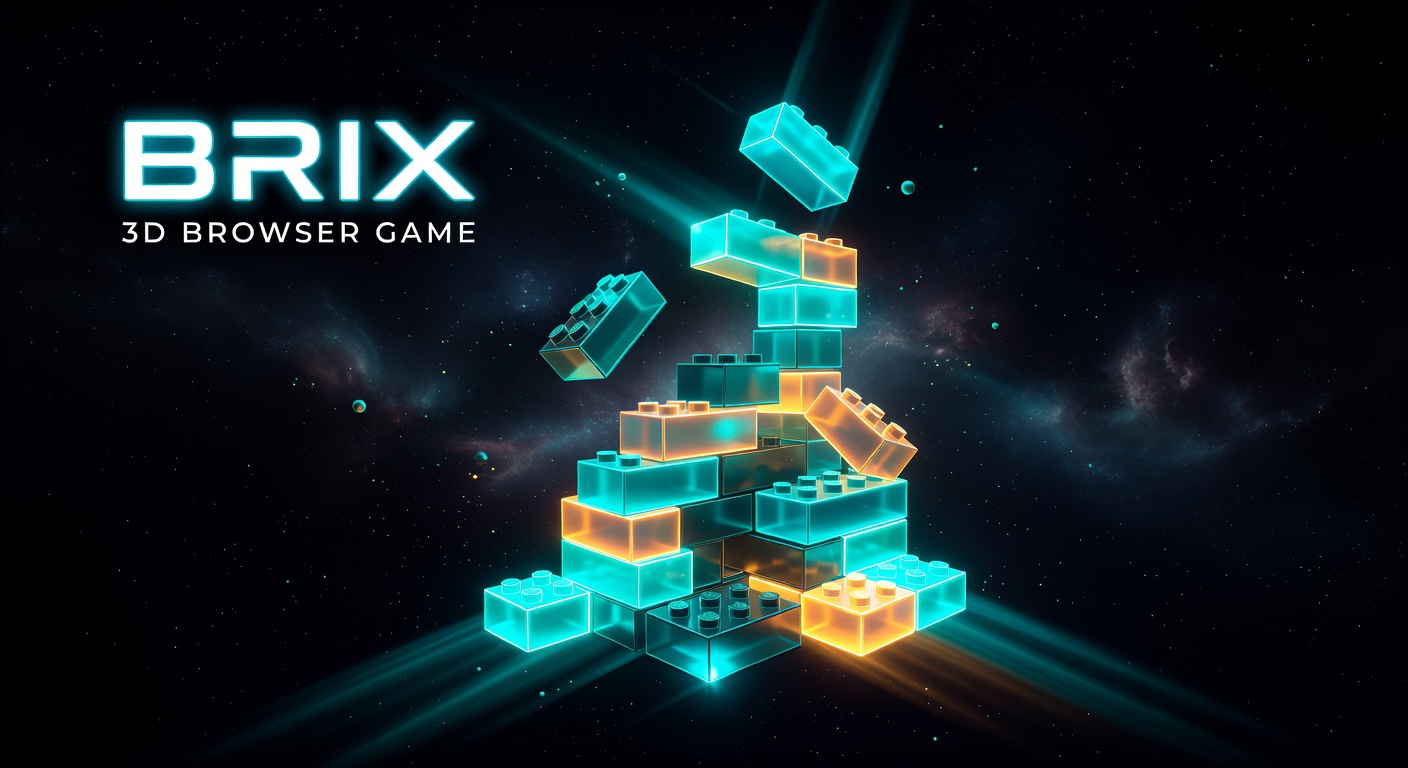
Full 3D brick-building sandbox in the browser. InstancedMesh rendering, render-on-demand dirty flags, bloom post-processing, custom HUD — all implemented through AI iteration. Hero image generated with Grok Imagine.
Canvas-based space shooter with procedural wave generation and adaptive difficulty. AI handled the enemy behavior trees and collision resolution math — the hardest parts to write from scratch.
Guess the game from hints — Wordle mechanics applied to gaming culture. AI generated the entire initial question bank and suggested the hint reveal order based on information theory. New questions added via AI weekly.
Procedural particle system that responds to mouse and audio input. The shader math and particle lifecycle management were written entirely through AI prompting — no prior WebGL knowledge required to build it.
Start Building
Copy any of these into Claude. Each produces a working, self-contained HTML file with no dependencies — open in a browser and you're playing.
Tip: after the first working version, your next message should be a list of specific things that feel wrong — not "make it better." Precise feedback → precise improvements.
FAQ